
Works with your apps
Anything that takes a pen or a mouse.
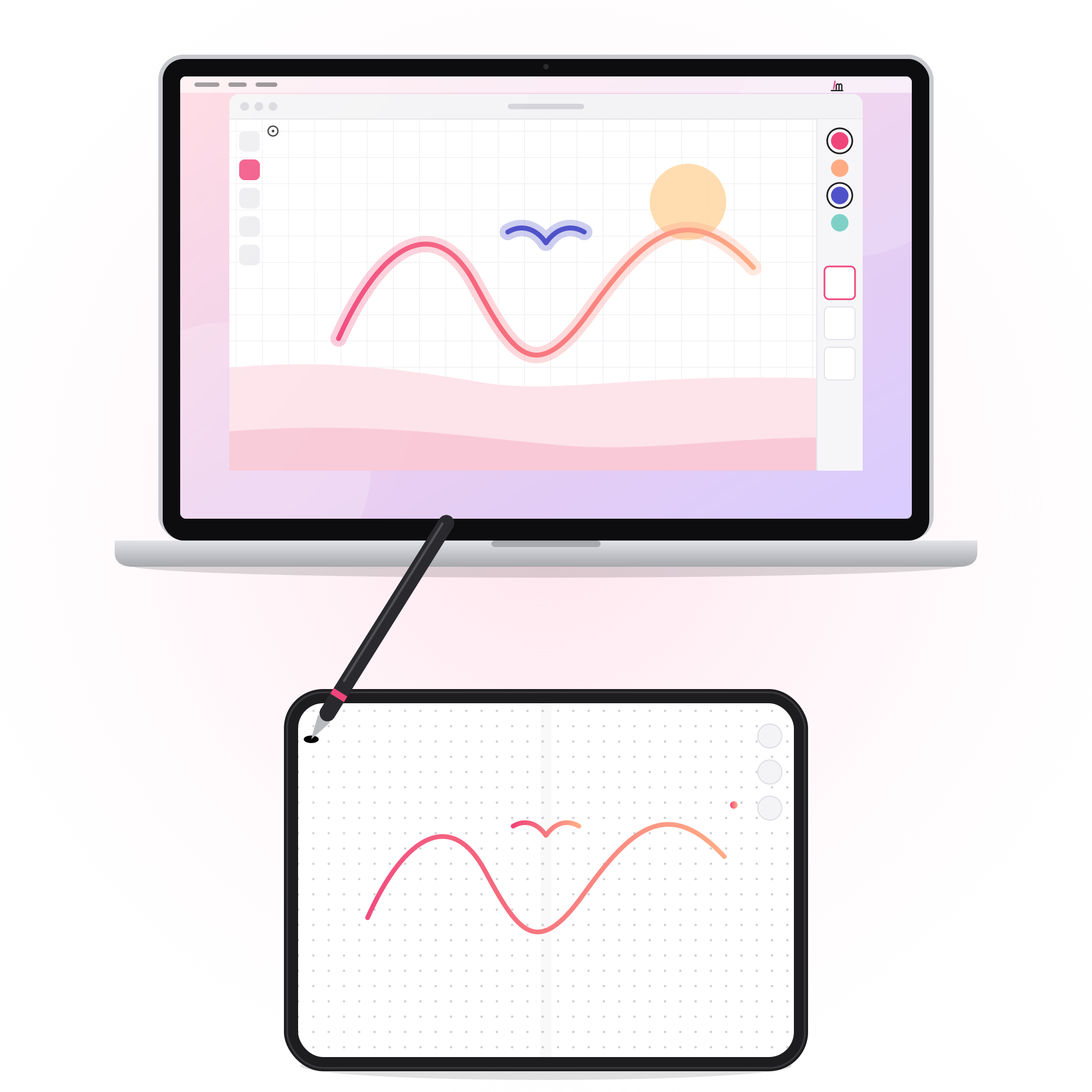
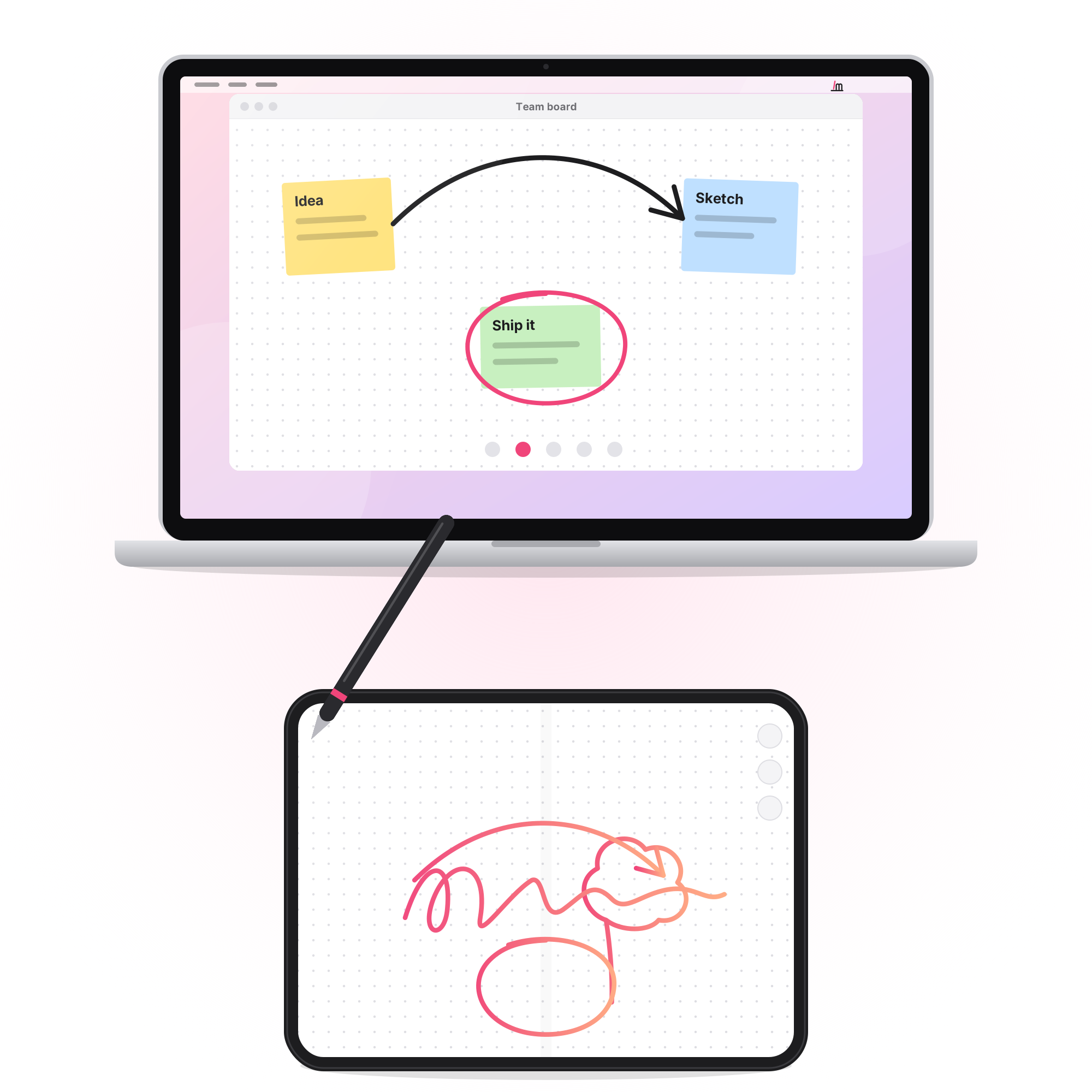
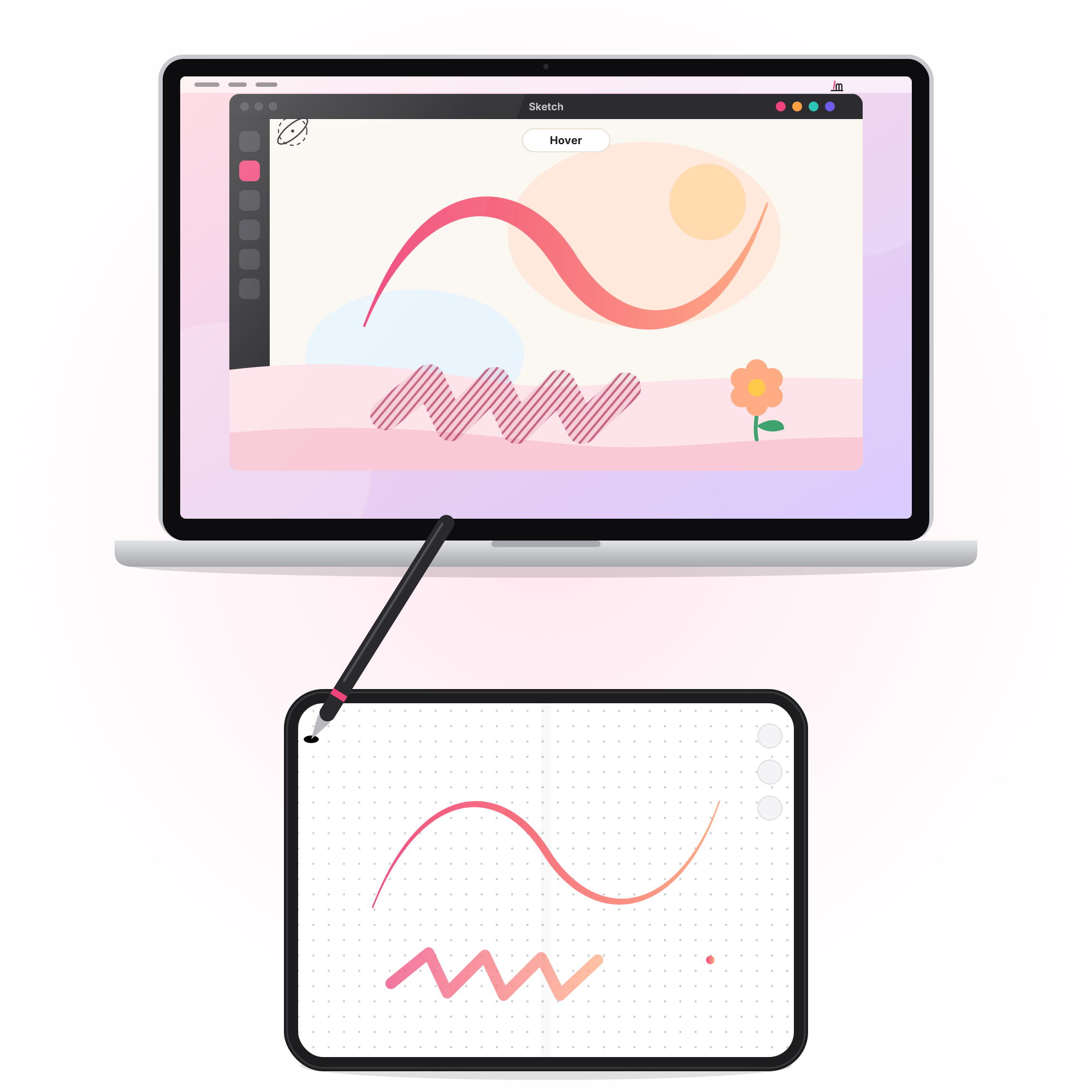
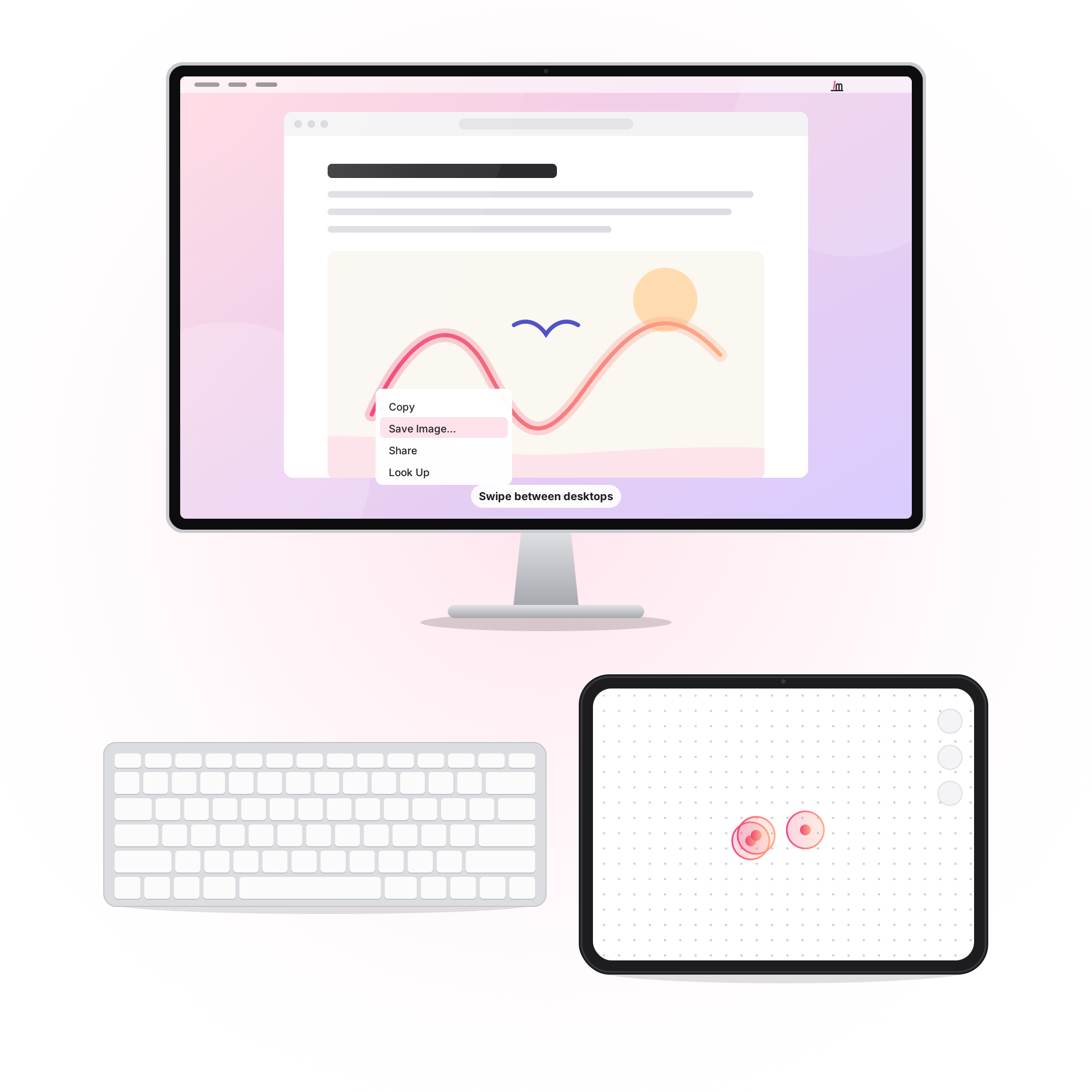
The computer sees Kalam as a real pen, so apps that understand one, from painting and design to notes and PDFs, pick up the pressure and tilt. Everywhere else, your fingers are the trackpad.
Kalam. The drawing tablet you already own: a pen and a trackpad, on any computer. Scroll or drag to move through the pictures.
The drawing tablet you already own.
Anything that takes a pen or a mouse.
The computer sees Kalam as a real pen, so apps that understand one, from painting and design to notes and PDFs, pick up the pressure and tilt. Everywhere else, your fingers are the trackpad.
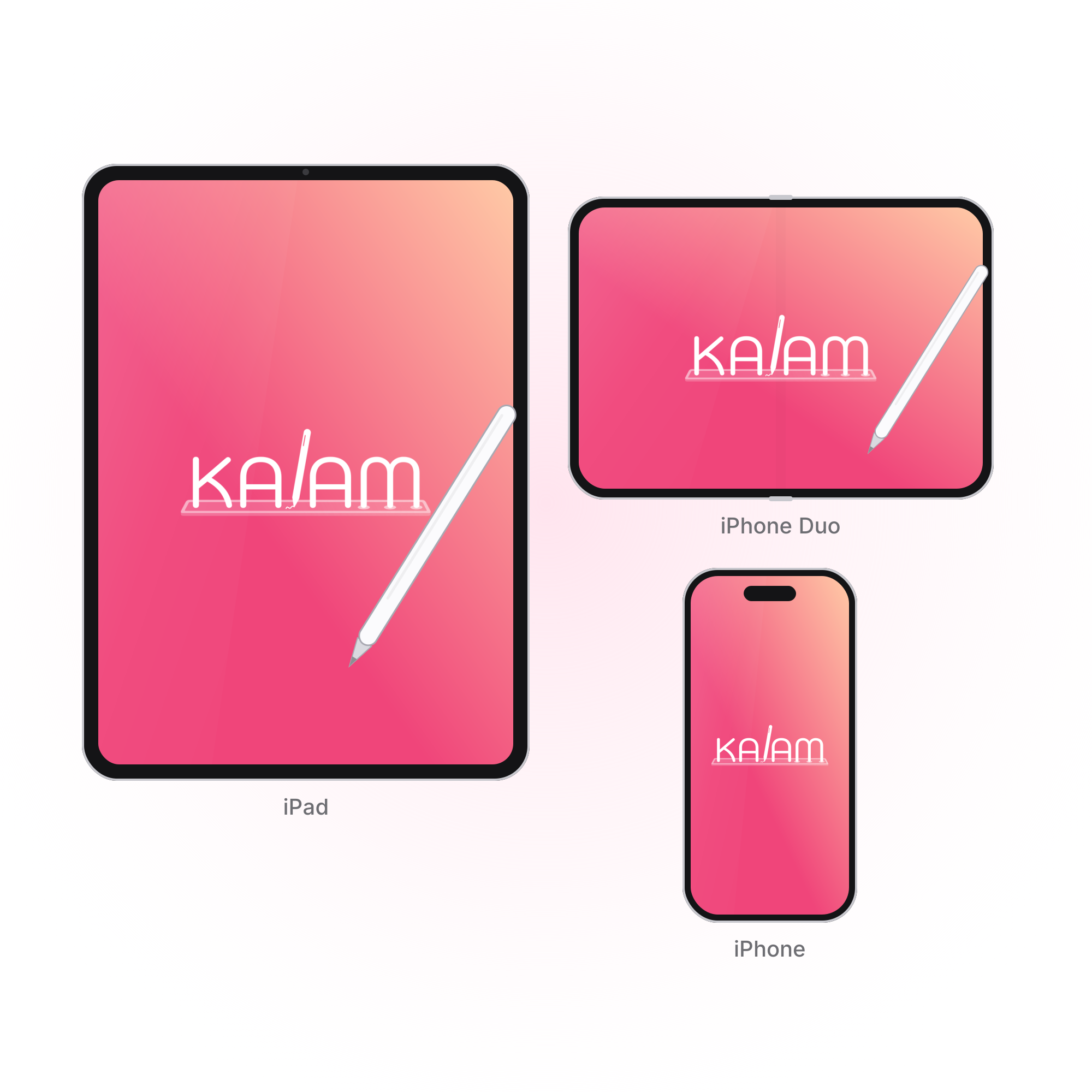
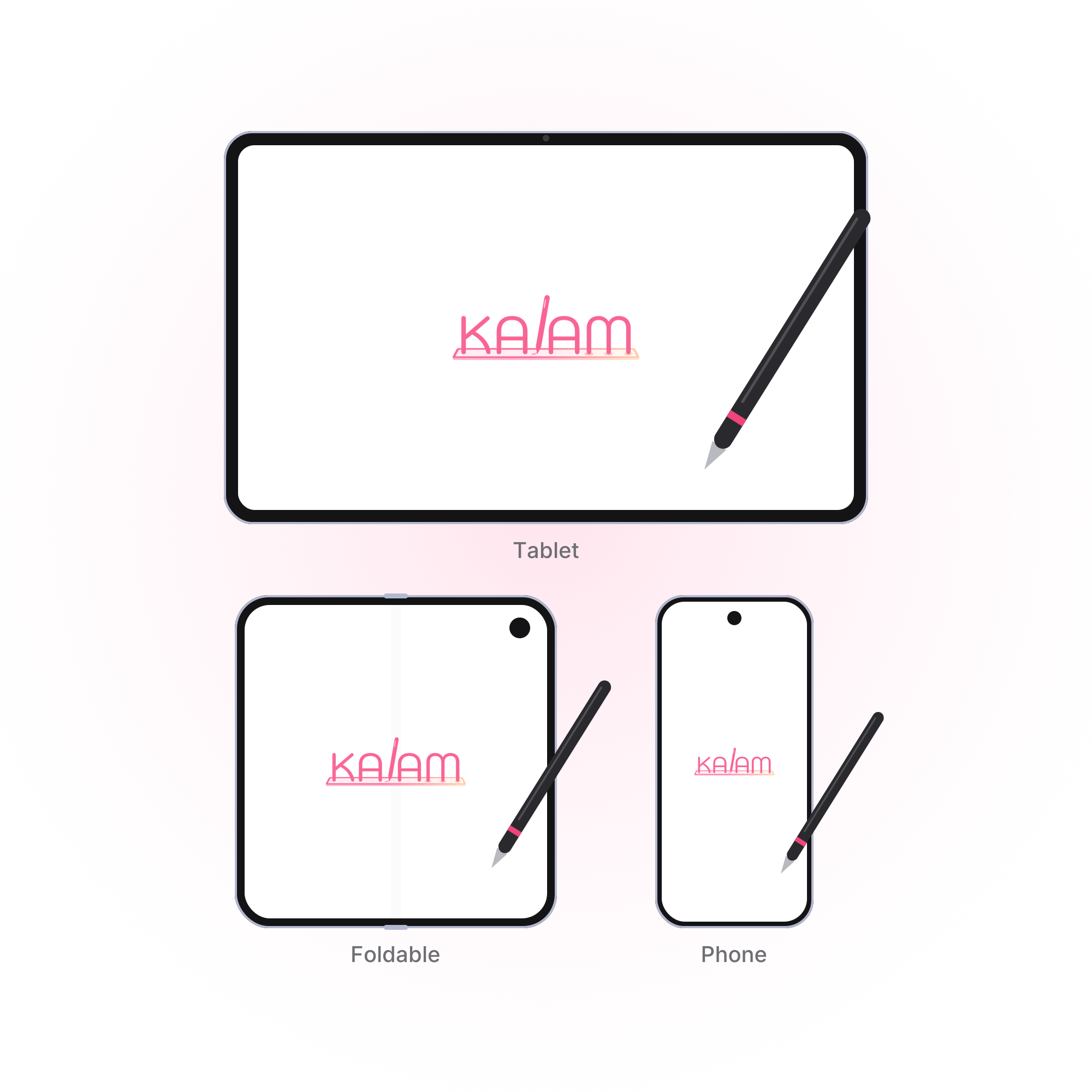


A phone or tablet, and a computer.
iPhone or iPad with iOS 27 or later, or an Android phone or tablet with Android 13 or later. A Mac with macOS 27 or later, or a PC with Windows 10 (version 1809) or Windows 11. Pressure, tilt and hover need a stylus that supports them.

Wi‑Fi, USB, or no network at all.
Pair once by matching a number on both screens. Over USB the computer trusts the cable, so there is nothing to match. No shared Wi‑Fi? A Mac can make a direct link, and a PC can start a hotspot.
Covers every computer you pair.
Subscribe in the Kalam app on your phone or tablet, through the App Store or Google Play. The Mac and Windows apps are free.
Covers every computer you pair.
Subscribe in the Kalam app on your phone or tablet, through the App Store or Google Play. The Mac and Windows apps are free.
Use the phone or tablet you already have.
No drawing tablet to buy, carry or plug in. The screen in your pocket or bag is the drawing surface, and it goes wherever your computer does.
Billing goes through Apple or Google.
On iPhone or iPad, open Settings, tap your name, then Subscriptions. On Android, open Google Play, tap your profile, then Payments & subscriptions. Kalam keeps working until the end of the period you've paid for.
Kalam collects no data.
Kalam runs on your phone or tablet and on the computer you pair it with. The pen, the pointer, and the connection stay between those two devices. There is no account, and Kalam does not send what you draw to a server.
Kalam collects no data.
Kalam runs on your phone or tablet and on the computer you pair it with. The pen, the pointer, and the connection stay between those two devices. There is no account, and Kalam does not send what you draw to a server. Your subscription is handled by Apple or Google, and Kalam never sees your payment details.
Quick answers before you download.
Your screen, the stylus, apps, devices, connecting, more than one computer, security, palm rejection, and updates.
Quick answers before you download.
Your screen, the stylus, apps, devices, connecting, more than one computer, security, palm rejection, and updates.
No. You watch your computer.
Kalam turns your phone or tablet into the pen surface, like a drawing tablet. Your stroke shows on the device only until you lift the pen; the computer keeps it.
To draw, yes. To point, no.
Fingers work as a trackpad: scroll, pinch, click, swipe. For drawing, use a stylus your device supports, like Apple Pencil on iPad or S Pen on Galaxy. Pressure, tilt and hover need a stylus that has them.
Any app that takes a pen or mouse.
Your computer sees Kalam as a pen tablet, so drawing, design, notes and PDF apps pick up pressure and tilt. Everywhere else it moves the pointer.
Phones and tablets, Mac and Windows.
iPhone or iPad with iOS 27 or later, or Android 13 or later. A Mac with macOS 27 or later, or Windows 10 (1809) or Windows 11.
Not yet.
Kalam runs on Mac and Windows computers for now.
No.
Connect over USB for the most reliable link, or use Wi‑Fi. With no shared network, a Mac makes a direct link to an iPhone or iPad, and a PC or an Android device can start a hotspot.
Yes, but one at a time.
Pair as many computers as you like; one subscription covers them all. A computer connects to one phone or tablet at a time.
Not without you.
You pair by matching a number on both screens, so only devices you approve connect. Everything between them is encrypted end to end.
No.
While the pen is on the screen, Kalam ignores touches near it, so your hand can rest. Turn on Pen only to ignore fingers completely.
It updates itself.
The Mac app checks this site and installs a new version. To look now, open Kalam in the menu bar and choose Check for Updates.